
Data and Network Cabling in East Gosford: A Practical Home Guide
Ask anyone working from home in East Gosford what frustrates them most and patchy Wi-Fi is usually near the top of the list. Video calls that freeze mid sentence, a smart TV that buffers every evening, a study at the back of the house where the signal barely reaches. The fix is rarely another gadget from the electronics shop. It is structured data cabling, the quiet backbone that commercial buildings have relied on for decades and that more Central Coast households are now installing as remote work, streaming and smart home devices multiply.
Why Wired Connections Still Beat Wi-Fi
Wi-Fi is convenient, but physics is against it. Brick walls, foil backed insulation, metal roofing and sheer distance all weaken wireless signals, and every neighbouring network competes for the same airspace. A cabled connection suffers none of this. It delivers full speed regardless of walls, is immune to interference, adds no latency for gaming or video calls, and never drops out because someone started the microwave. The best home networks use both: cables to fixed, high demand devices such as televisions, desktop computers and access points, with Wi-Fi reserved for phones, tablets and laptops that genuinely move around.
Understanding Cable Types and What to Choose
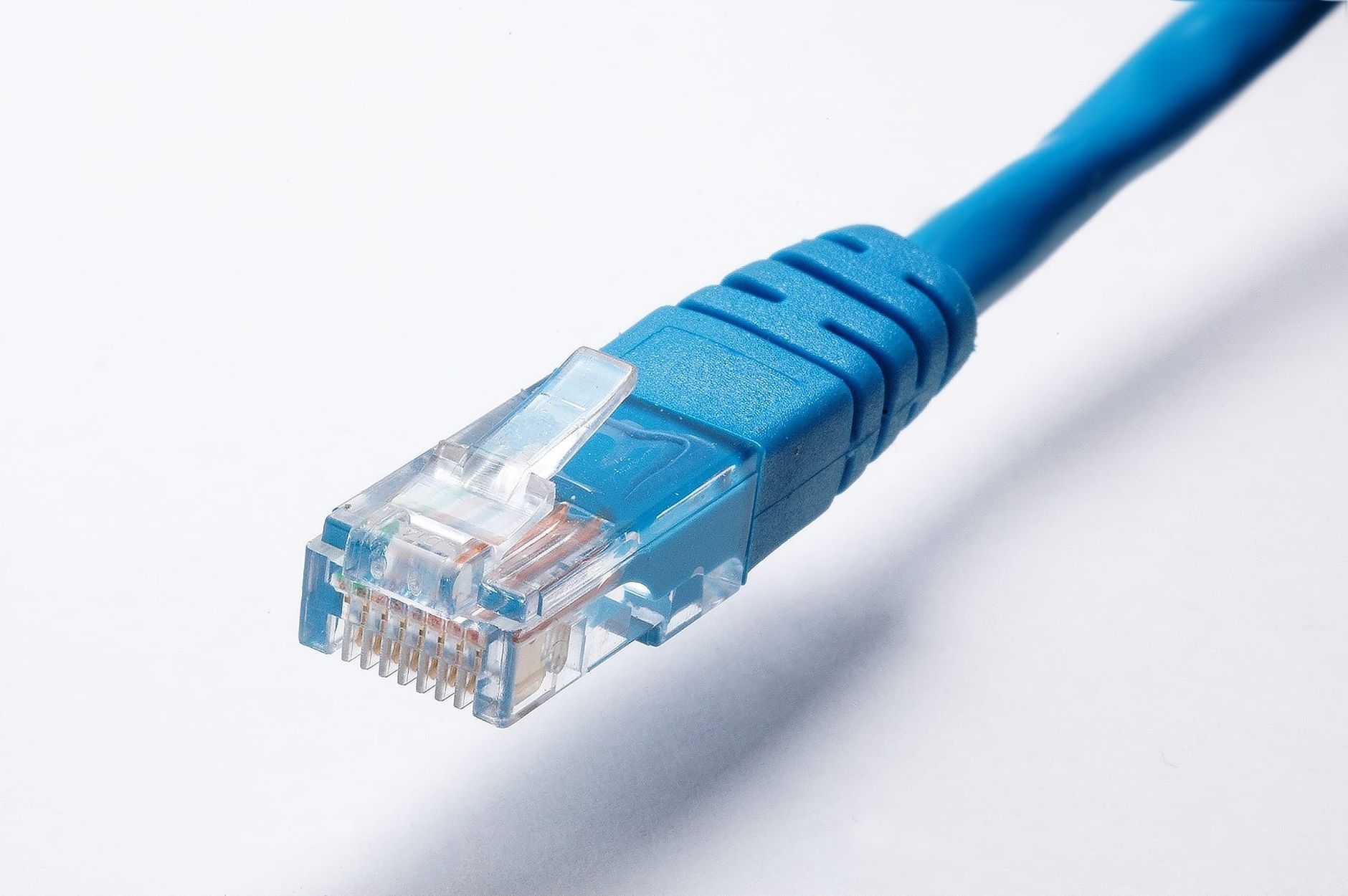
Most residential jobs today use Category 6 cable, which comfortably handles gigabit speeds over the distances found in a house. Category 6A costs a little more and supports ten gigabit speeds, making it a sensible choice for homeowners who want the installation to stay current for decades. Beyond the data cables themselves, a tidy installation includes a central point, often a small wall mounted enclosure in a garage or cupboard, where the NBN connection, router and switch live, with every wall outlet in the house cabled back to it in a star layout. That central point is what separates a professional network from a tangle of leads behind the television.
Planning Outlets Around How the Household Lives
Good cabling design starts with a conversation about how the home is used. A typical plan puts double data outlets behind the main television and in each study or bedroom desk position, a point for a Wi-Fi access point on the ceiling near the centre of the house, and spare capacity for security cameras, a video doorbell or a future granny flat. Households renovating or extending should plan cabling at the same time as power, because running cable through open frames costs a fraction of retrofitting it later. It is also worth thinking a few years ahead. Smart home hubs, network attached storage and multi room audio all lean on wired backbones, and an extra cable pulled today is far cheaper than the same cable pulled next year.
Installing in East Gosford's Older Homes
The suburb's 1950s to 1970s brick veneer and weatherboard houses are generally friendly to retrofit cabling. Roof cavities and wall spaces provide routes for cables to be fished down to new wall plates with minimal disruption, and timber floors on piers offer a second pathway underneath. The tricky spots are solid masonry walls and cathedral ceilings, which an experienced installer will route around rather than through. One legal point matters here: in Australia, cabling that connects to the telecommunications network must be installed by a person registered under the national cabling provider rules. Hiring a licensed East Gosford electrician with cabling registration means the data outlets, the power points beside them and any related switchboard work can all be completed in one visit, tested and certified properly.
What Shapes the Cost of a Cabling Job
Data cabling is priced mainly on points and pathways. The number of outlets is the core driver, followed by the difficulty of each cable run, with easy roof access keeping labour down and tight cavities or two storey sections adding time. The choice between Category 6 and 6A, the quality of the central enclosure and switch, whether ceiling mounted access points are included, and any patching or painting after wall plate installation round out the picture. Testing and certification of each point should be included in any professional quote rather than offered as an extra.
Frequently Asked Questions
Is home data cabling worth it now that Wi-Fi 7 exists?
Yes, and arguably more than ever. Even the newest wireless standards perform best when their access points are fed by cable, and fixed devices still get better reliability from a direct connection. Cabling and modern Wi-Fi are partners, not rivals.
How many data points does a typical home need?
A common starting pattern is two points behind the main television, one or two in each study or bedroom used for work, and one ceiling point for a central access point. Larger homes and smart home enthusiasts often double that, and spare points cost little when installed in the same visit.
Can data cables run alongside power cables in the wall?
They can share a home but need separation. Australian rules require defined spacing between data and mains cabling to protect both safety and signal quality, which is one of several reasons professional installation matters. An installer qualified in both disciplines routes everything compliantly.
Does a renter or new buyer benefit from structured cabling?
Buyers increasingly notice it. A cleanly cabled home with a labelled central enclosure signals a well cared for property and removes a future cost for the purchaser, so the investment tends to hold value at sale time as working from home remains part of Central Coast life.
Build a Network That Never Buffers
Get a free, no obligation quote from a licensed local electrician serving East Gosford and the Central Coast.